Costco font copy & paste
Type your text to get a Costco-style version you can copy and paste straight into captions, bios, and titles — no download needed.
Popular warehouse styles
Start from a ready-made template — membership card, food-court price tag, and more. Pick one, then customize the text in the generator.
What people make with it
Every export is a true vector, so it stays sharp from a 2-inch sticker to a full-back shirt print. Here are a few common projects.
Planning a Costco trunk or treat?
Going with a Costco theme trunk or treat this Halloween? A Costco trunk or treat theme is easy: get Costco trunk or treat ideas — the $1.50 hot dog stand, the free sample station, and the membership booth — plus Costco trunk or treat printable signs and price tags. It’s the simplest trunk or treat Costco setup, generated here in minutes.
What font does Costco use?
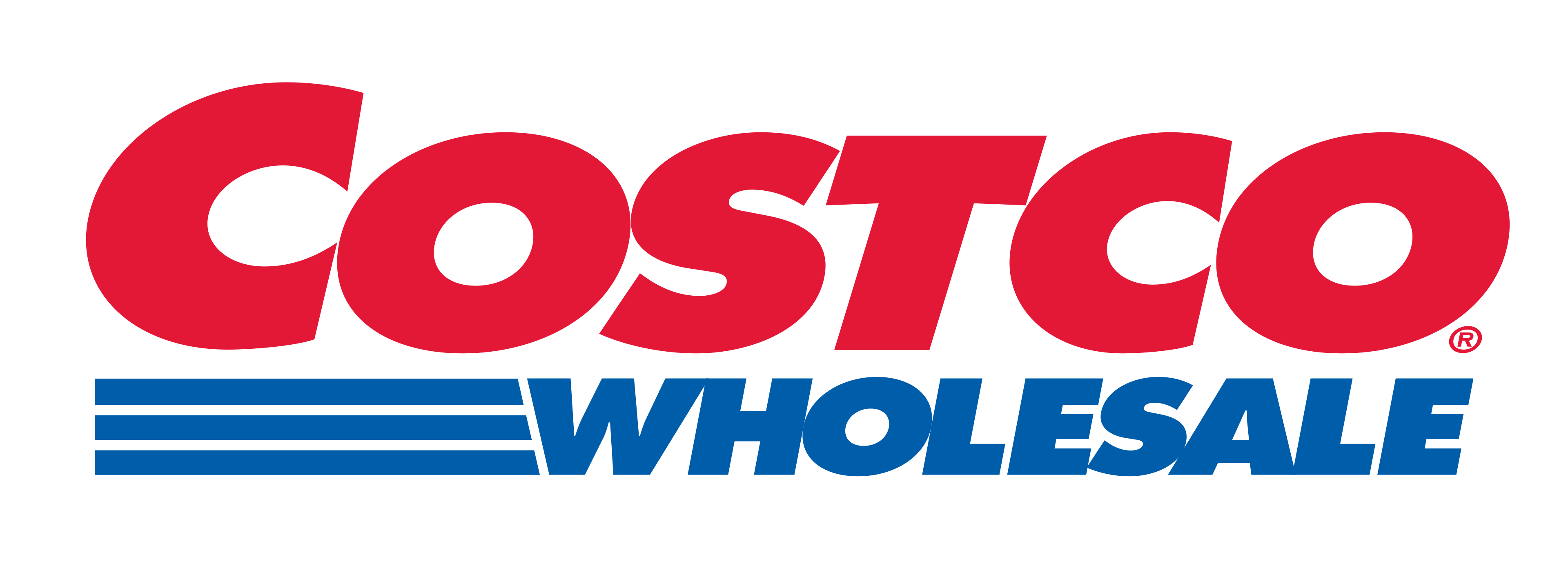
The Costco Wholesale logo uses Futura Extra Bold Oblique, a heavy geometric sans-serif drawn by Paul Renner in the late 1920s. Its clean circular bowls, sharp apexes, and steep italic slant give the wordmark that instantly recognizable, no-nonsense warehouse feel. The bright red set against a blue accent completes the look shoppers know from every membership card and storefront sign.
You do not need to own Futura to get the effect. This Costco font generator maps your text onto the same weight, slant, and spacing, then exports it as editable vector art you can resize, recolor, and cut. It doubles as a Costco logo generator for making warehouse-style wordmarks.
Is it “Costco Sans”?
People search for the Costco wholesale font under many names — Costco Sans, Costco Sans font, Costco fonts, or simply the Costco logo font. There is no official typeface called “Costco Sans”; the wordmark is Futura. Whatever you call it, this tool recreates the same look.
What font does Costco use for price tags?
The in-store price signs lean on a tall, condensed sans for the item name and a bold figure for the price. Use the food-court and price-tag presets to match that Costco price tag font style for your own signs.
How to use the Costco font generator
Making a Costco-style graphic takes three steps and no design software:
1. Type your text
Enter any word or phrase — a name, a birthday message, or a store parody. The preview updates live in the warehouse wordmark style.
2. Style it
Adjust size, letter spacing, slant, and color, or switch to a full badge template like the membership card or the food-court price tag.
3. Download the cut file
Export a vector SVG or a 300 DPI PNG. The SVG opens cleanly in Cricut Design Space and Silhouette Studio, ready to cut on vinyl or heat-transfer material.
Costco font for Cricut, shirts, and crafts
Crafters use the Costco wordmark style for birthday shirts, bachelor and bachelorette party merch, trunk-or-treat decorations, tumblers, and car decals. Because every download is a true vector, the curves stay crisp whether you cut a 2-inch sticker or print a full-back shirt graphic. Pair it with the Kirkland Signature and food-court price-tag presets to build a complete warehouse-themed set.
Costco font vs. the real Futura
Licensed Futura Extra Bold Oblique is a paid typeface sold by font foundries. This generator gives you the same visual result for free by rendering ready-to-cut vector shapes rather than installable font files. For personal projects and parody designs that is usually all you need — and there is nothing to install or license.
Frequently asked questions
Everything about the Costco font, the generator, and the files you download.
What font does Costco use in its logo?
The Costco Wholesale logo is set in Futura Extra Bold Oblique — a heavy, slanted geometric sans-serif. Our generator recreates that look so you can type any text in the same warehouse style.
Is the Costco font generator free?
Yes. Type your text, style it, and download the result for free. There is no sign-up, watermark, or usage limit.
What file formats can I download?
You get a clean vector SVG and a high-resolution PNG. The SVG has ungroupable curves, so it scales to any size without quality loss.
Does it work with Cricut, Silhouette, and vinyl cutters?
Yes. The SVG cut files import directly into Cricut Design Space, Silhouette Studio, and other cutting software for vinyl, HTV, and sticker projects.
Can I use the designs to sell shirts or crafts?
You own the vector files you create here. Keep in mind that "Costco" and "Kirkland Signature" are trademarks — use the wordmark style for personal or parody projects, and avoid implying official affiliation when selling.
Is this site affiliated with Costco Wholesale?
No. CostcoFont.com is an independent typography tool and is not affiliated with, endorsed by, or connected to Costco Wholesale Corporation.